Kookie User Interface
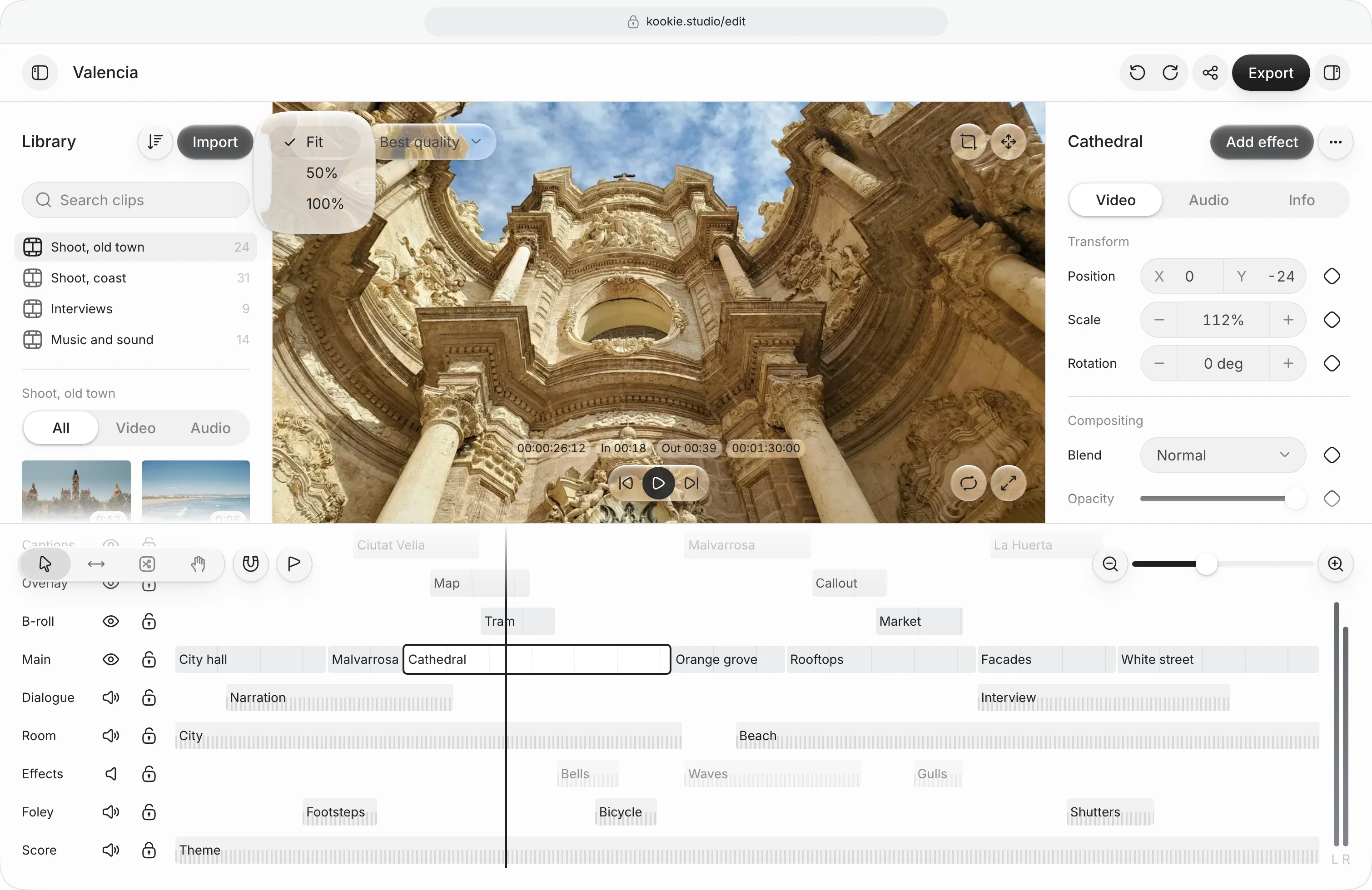
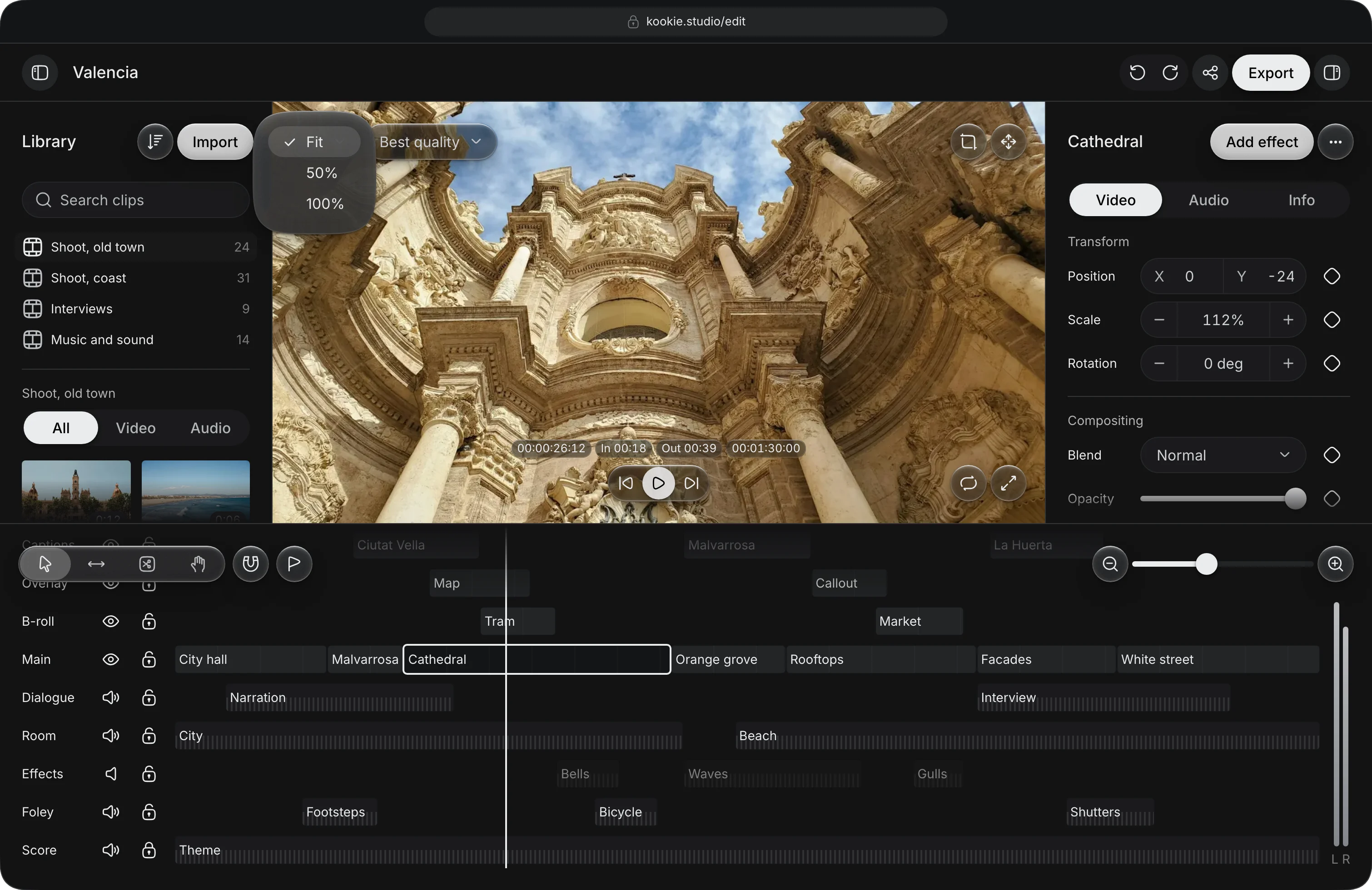
Kookie is a design system for React. It gives you components, the rules for how to use them, and tools that check your screens against those rules. It gives you one way to say what something means. You get fewer choices than you may be used to. Because of this, screens that you build months apart still look like one product.
Getting started
Read the principles Kookie is built on, and the rules for putting components together.
Build
Install the package, build your first screen, and set up the tools your AI agent uses.
Patterns
Build the structures that repeat across an app, such as forms, dialogs, navigation and feedback.
Foundations
The reference for the values every component is built from: theme, colour, type, layout, size, depth and states.
Inputs
How people reach your app, by touch, pointer, keyboard and gesture, and what Kookie does for each.
Components
This index shows every component in the package, grouped by family. Each page tells you what the component is, which props it takes, and what it does not do and why.
Workbench
Use the builder to make a screen from real components. Drag each component into place, and copy full patterns out of it. Every size and distance comes from the scales of the system. Because of this, you cannot draw a layout that the code cannot make.