Touch
Make targets big enough for a finger, keep text fields from zooming the page, and never depend on hover.
A finger is wider and less precise than a mouse pointer, and it covers what it touches. Under a touch pointer, Kookie makes every control large enough to hit without you changing any code.
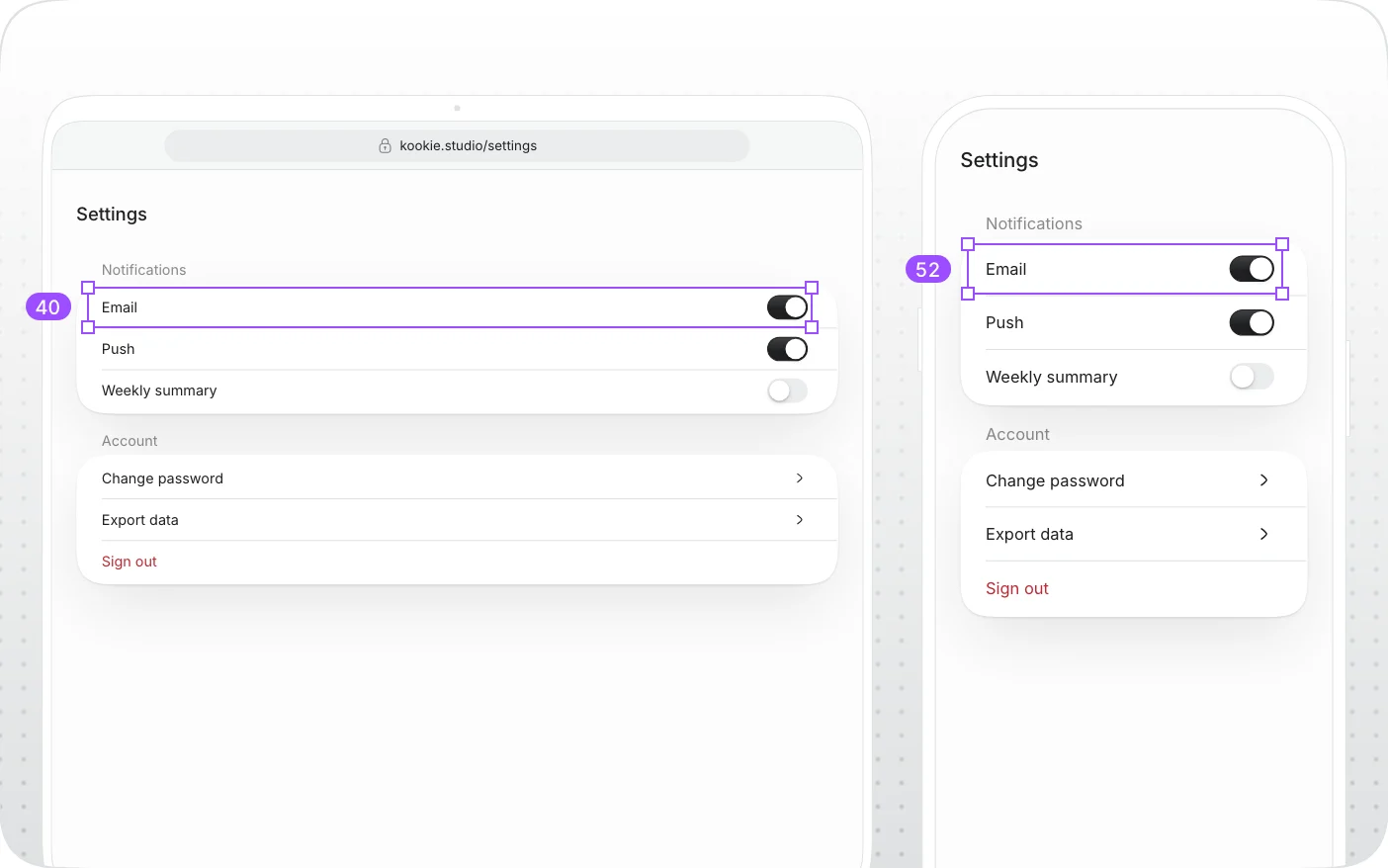
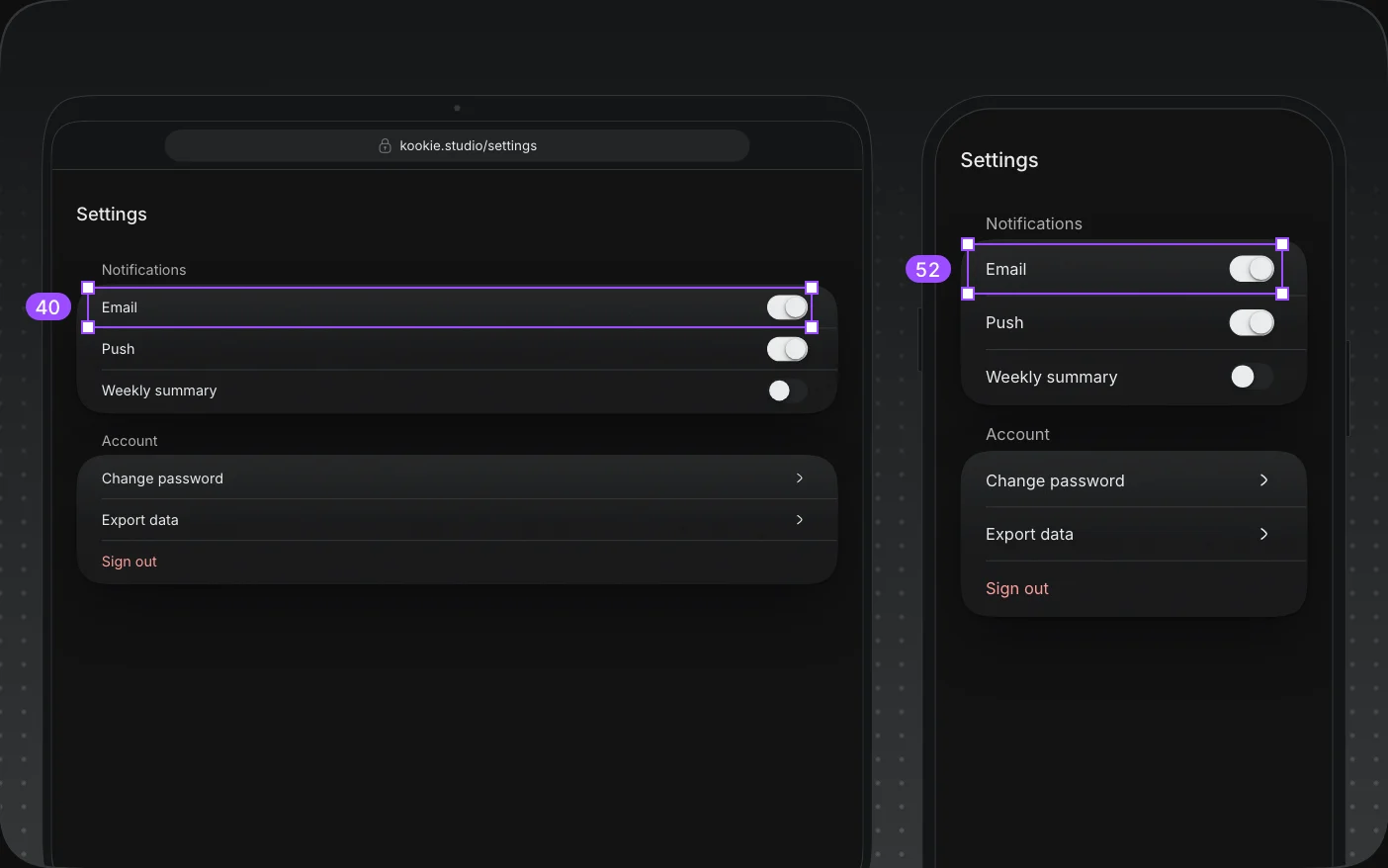
At size 2, a control under a touch pointer is as tall as Apple's default target, and no target goes below the WCAG 2.2 minimum. Body text and icons grow with the controls, while the space between components stays the same. The Scale page lists every value.
A checkbox, a radio button or a switch draws a small box, so its tappable area extends past what
you see, out to the height of a button of the same size. Leave gap="5" between two of
them in a list, so a tap on one never lands on the next.
Under a touch pointer, text in a field never drops below the size at which Safari on iPhone and iPad zooms the page when someone taps the field. The label and the box keep their sizes.
A finger can't hover, so nothing should appear only on hover. Kookie applies hover styles only where the main pointer can hover, so a button you tapped does not stay in its hover colour.